
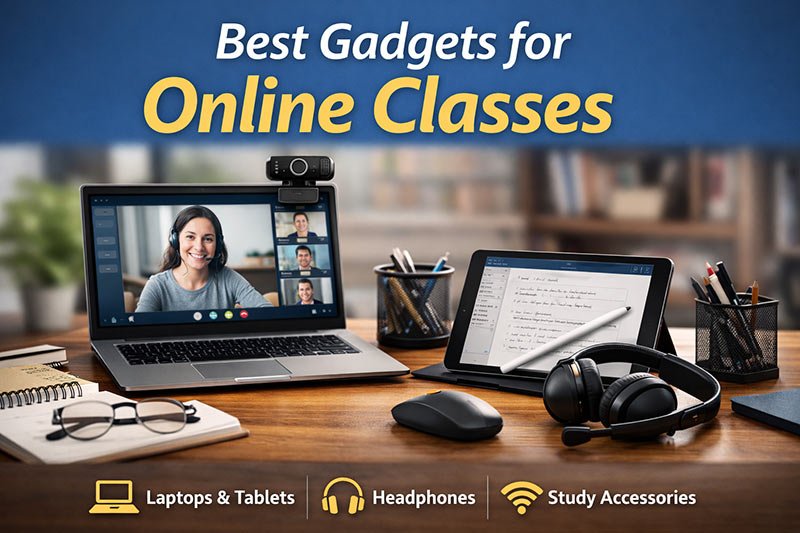
The best gadgets for online classes have become an important part of student life in India today. Whether it is school students attending live classes from home or college students submitting assignments and presentations online, learning now depends heavily on digital devices.
As a teacher, I often hear students ask, “Sir, what gadgets do we actually need for online classes?” Some students feel they must buy expensive devices, while others try to manage everything using only a mobile phone. The truth is simple. Students do not need luxury gadgets, but they do need the right ones.
When students use suitable tools, their focus improves, their confidence increases, and learning becomes smoother. In this article, I will explain the best gadgets for online classes in a practical and easy way, just as I would guide my own students.
This guide focuses on helping students understand the best gadgets for online class based on real learning needs rather than trends or expensive recommendations.
Table of Contents
Laptop or Desktop for Online Classes
Let me begin with a simple question I ask many students. How do you usually attend your online classes? If the answer is “only on a mobile phone,” then you may have already faced difficulties such as eye strain, slow typing, or trouble during online exams. Mobile phones are useful, but they are not designed for serious academic work.
From my teaching experience, students who use laptops feel more comfortable during online classes. A laptop gives a bigger screen, a proper keyboard, and better multitasking. I have seen students struggle during online tests because typing long answers on a phone becomes tiring and slow. On the other hand, students using laptops can easily switch between class windows, notes, and assignments.
You do not need an expensive laptop for online classes. A basic, reliable laptop that runs video calls smoothly and opens documents without hanging is enough for most students. Many of my students use budget laptops and perform very well because their devices are stable and easy to use.
If you want to understand what kind of options are available in the student budget range, you can look at some laptops suitable for students on Amazon to compare basic specifications and prices before making a decision.
Before choosing a laptop, students should ask themselves:
- Does it handle online classes without lag?
- Is the keyboard comfortable for typing?
- Can it manage daily study tasks easily?
A reliable laptop forms the foundation of a good online learning setup.
While choosing a laptop for online classes, many students also get confused about specifications like memory. If you are unsure, this guide explains how much RAM is good for student laptop in a simple and practical way.
Headphones with Clear Microphone
Now let me ask you another question. Have you ever missed an explanation because the teacher’s voice was not clear? Or have you been told during class, “Your voice is breaking,” or “We can’t hear you properly”? This usually happens when students depend on laptop speakers or low-quality microphones.
As a teacher, I notice a clear difference when students use headphones with a clear microphone. Their voices sound clearer, background noise reduces, and communication becomes smoother. Students also feel more confident while answering questions or participating in discussions.
Headphones are especially helpful for students attending classes from shared homes, hostels, or noisy surroundings. Both wired and wireless headphones work fine, as long as they are comfortable and the microphone quality is good. There is no need to focus on heavy bass or extra features. Comfort and voice clarity matter the most.
If you want to understand what type of headset works well for online learning, you can check best headphones for online classes and see which ones fit your budget and comfort needs.
A simple headset can make online classes more engaging and less distracting.
Webcam (If the Laptop Camera Is Weak)
Most modern laptops come with built-in webcams that are good enough for daily online classes. In many cases, students do not need to buy a separate webcam. However, I have taught students using older laptops where the camera quality was very poor, making it difficult for teachers to see them during presentations or attendance checks.
If your course involves frequent presentations, online viva exams, or interviews, camera clarity becomes important. In such cases, an external webcam can help improve video quality and give a more professional appearance. That said, I always advise students not to buy extra gadgets unless there is a real need. If your laptop camera works properly, you can safely skip this.
Tablet or Smartphone for Notes and Revision- Best gadgets for online classes
Students often ask me, “Sir, should we buy a tablet for online classes?” My answer is usually simple. A tablet is not compulsory, but it can be helpful for certain students.
Many students prefer using tablets for reading PDFs, eBooks, and study materials because tablets are lighter than laptops. Some students also make handwritten digital notes, which helps them revise faster before exams. I have noticed that students who read and highlight notes on tablets often feel less tired during revision.
Smartphones also play a supporting role. They are useful for checking class updates, revising notes quickly, or watching recorded lectures when a laptop is not available. However, smartphones should not replace laptops for long study sessions. Small screens can cause eye strain and reduce concentration.
Ideally, students can use:
- A laptop for attending classes and assignments
- A tablet for reading and note-taking
- A smartphone for quick revision and updates
Basic Accessories That Improve Study Comfort
This is something many students ignore, but it is very important. Comfort directly affects concentration. I have seen students complain of neck pain, eye strain, and wrist discomfort simply because their study setup was uncomfortable.
Using a mouse makes navigation easier during assignments and presentations. An external keyboard can help students who type frequently. A laptop stand raises the screen to eye level and helps maintain better posture during long study hours.
Lighting also plays a big role. Studying in dim light can strain the eyes and cause headaches. A simple desk lamp with soft light can make evening study sessions more comfortable.
If you are curious about what accessories students commonly use, you can browse a few basic study accessories on Amazon and choose according to your needs and budget.
Internet Connection and Study Setup Tips
Even the best gadgets for online classes will not work properly without a stable internet connection. Many students face interruptions simply because of weak connectivity. Sitting closer to the Wi-Fi router and avoiding heavy downloads during class time can improve stability.
The study environment also matters a lot. A quiet corner, organised desk, and comfortable chair help students stay attentive. I often tell students to prepare their study space before class begins so that they do not feel rushed.
Simple habits that help include:
- Charging devices before class
- Turning off unnecessary notifications
- Keeping notebooks and pens ready
- Following a fixed study routine
These small habits make online learning smoother and less stressful.
Final Thoughts
Online learning becomes easier when students have the right tools and a supportive study environment. The best gadgets for online classes are not about expensive brands or advanced features. They are about comfort, clarity, and reliability. From my teaching experience, students who choose practical gadgets feel more confident and perform better during online classes. Instead of following trends, students should focus on what genuinely helps them learn. With the right setup and disciplined habits, online classes can be productive, comfortable, and stress-free.